How to Use the Interactive Map
Chronica Maps shows 2,500 years of borders on one map. These eight steps cover everything it can do; each takes under a minute to try.
- Move through time
- Open a city, battle or landmark
- Switch region
- Follow a journey
- See landmarks then and now
- Turn on trade routes
- Test yourself
- Compare with today
1. Move through time
Drag the timeline at the bottom of the screen, or press ▶ to play the maps in order. The era bands above the timeline jump to the start of a period. On a keyboard, the left and right arrow keys step one map back or forward.
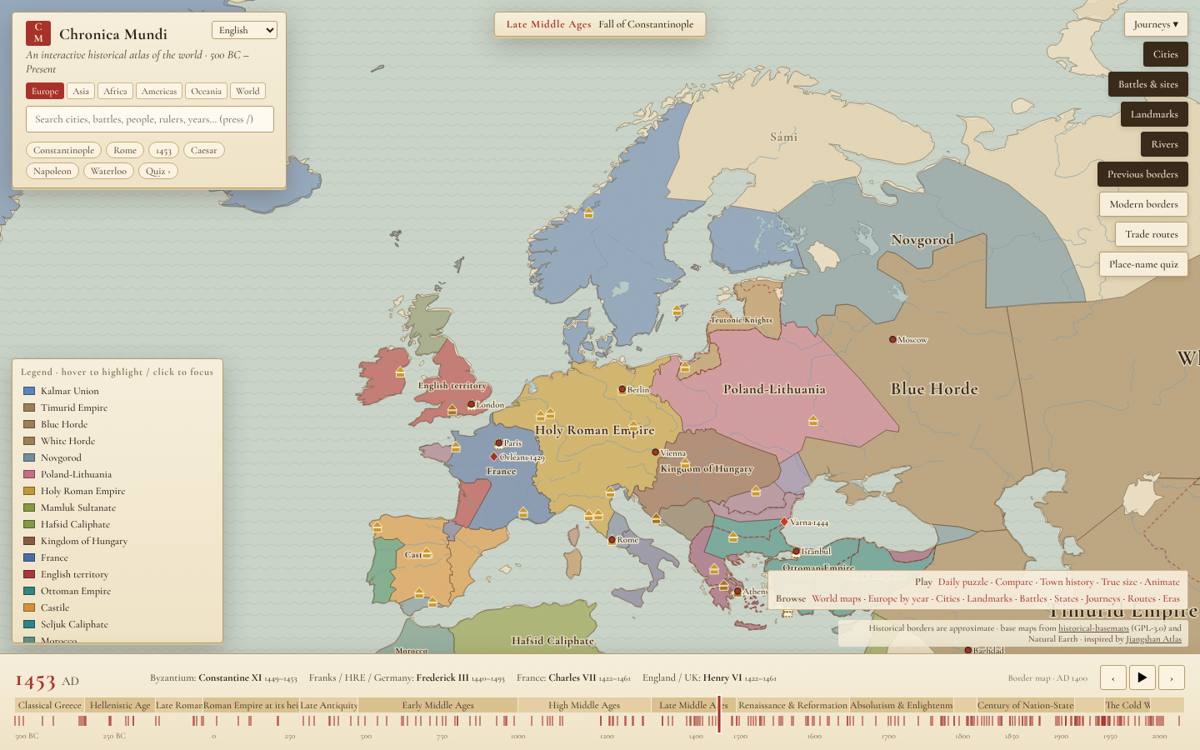
2. Open a city, battle or landmark
Click a dot to open its card: a short history, the states that ruled the place over time, and links to nearby places. Click an empty spot of land, or double-click anywhere, to see who ruled that exact point.
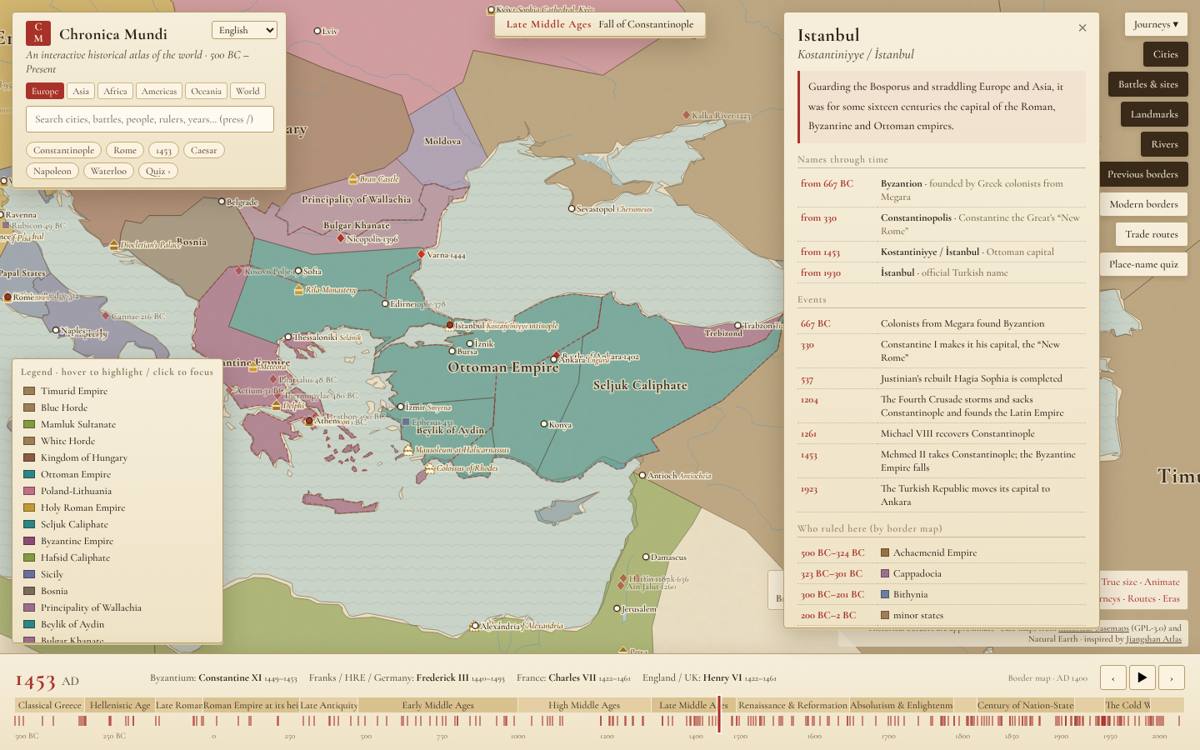
3. Switch region
The region buttons at the top zoom to Europe, Asia, Africa, the Americas or Oceania, or show the whole world. You can also scroll or pinch to zoom and drag to pan.
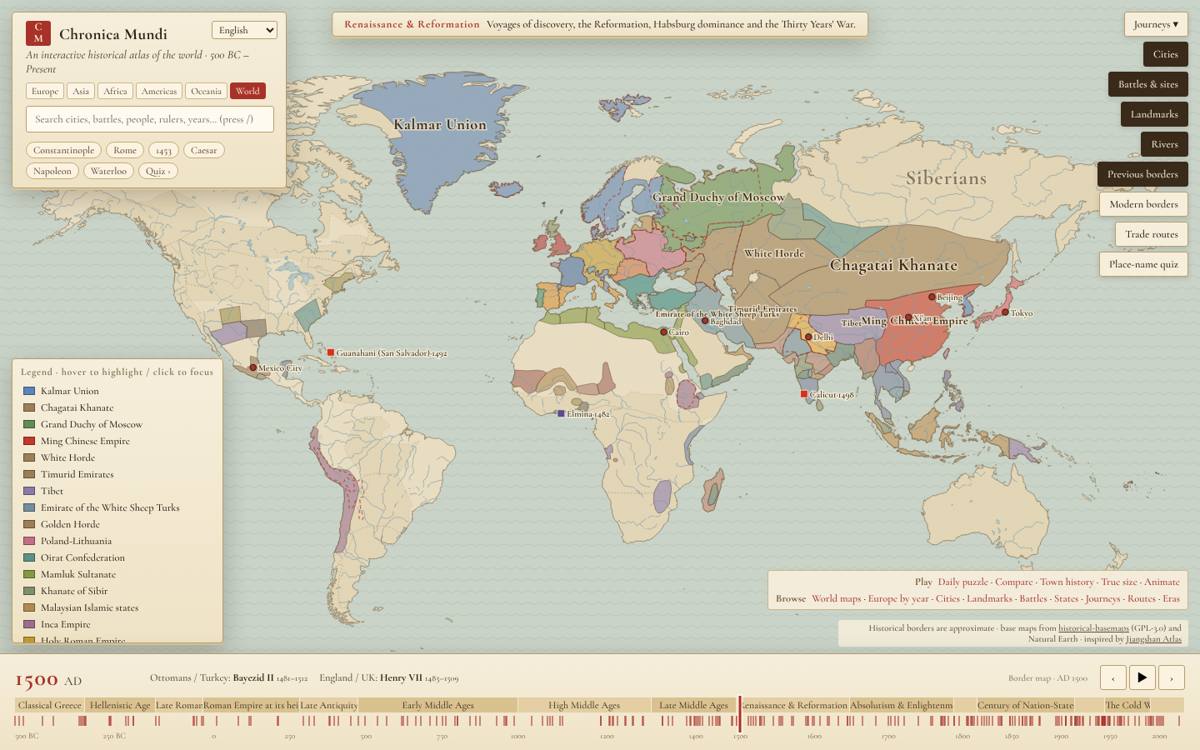
4. Follow a journey
Under the journeys layer you can follow Alexander, Genghis Khan, Marco Polo, Zheng He, Columbus, Napoleon and others stop by stop. The map moves to each stop and the year changes with it.
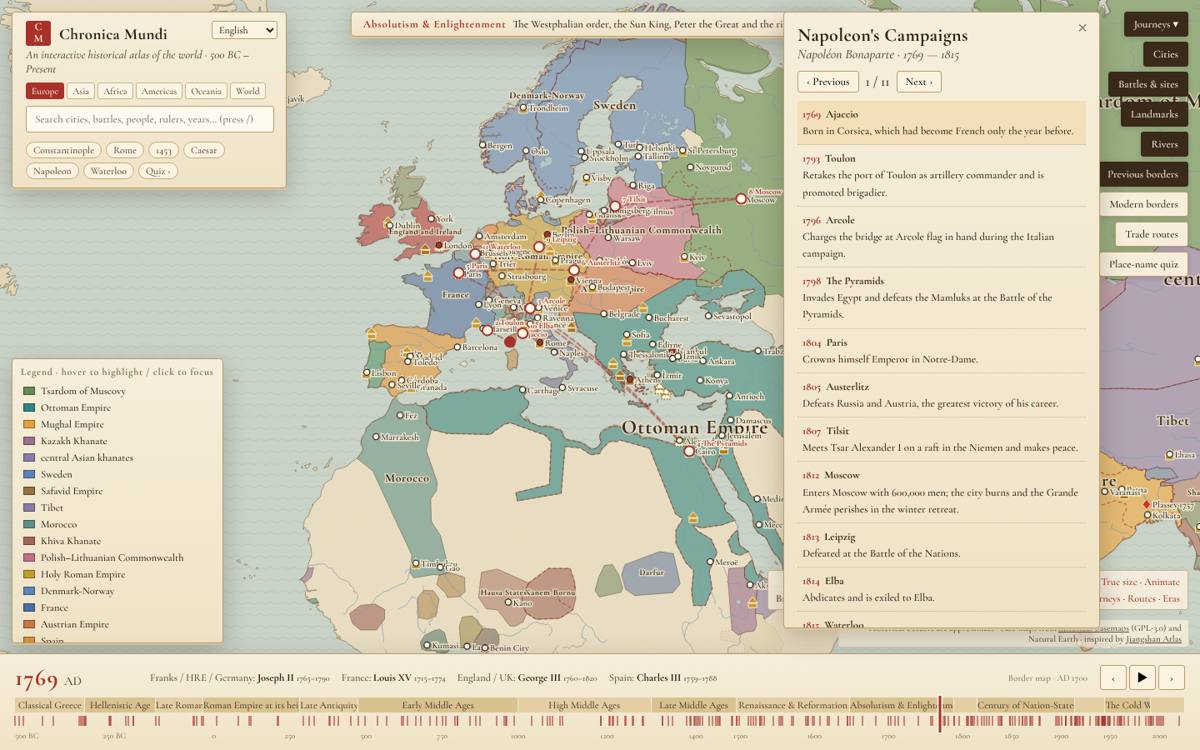
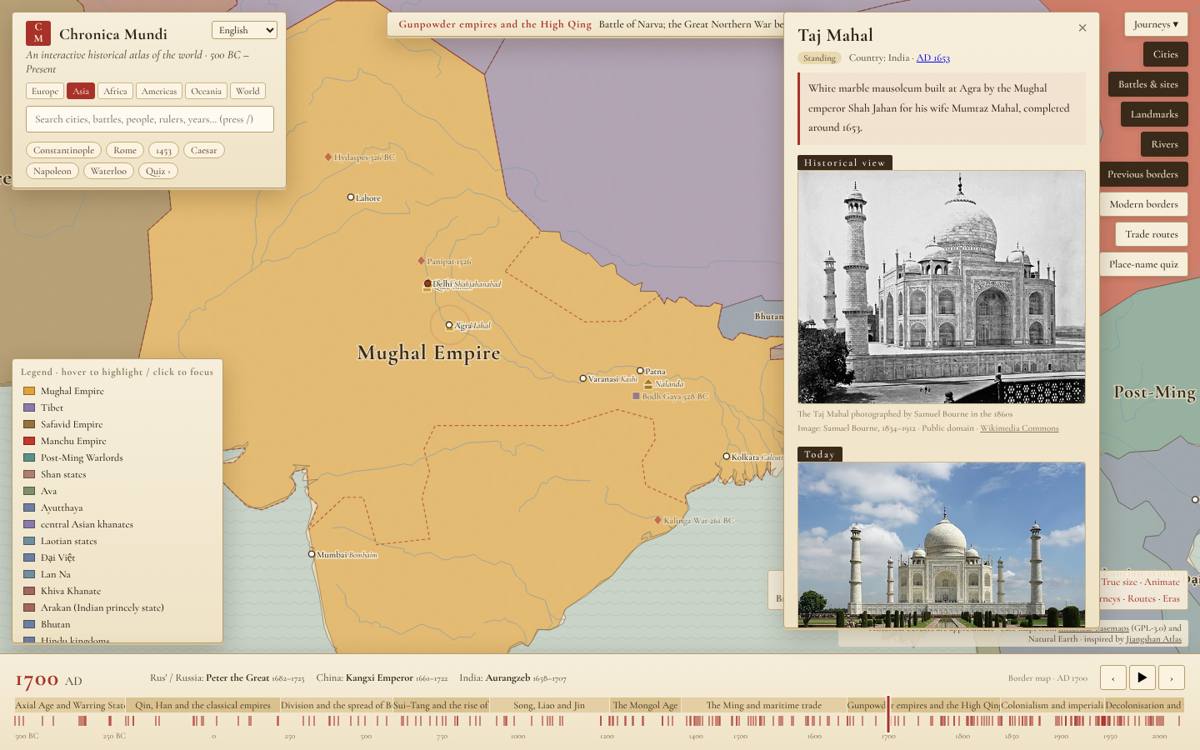
5. See landmarks then and now
Landmarks such as the Taj Mahal, the Colosseum and the Great Wall show a historical view next to a photo of the site today.
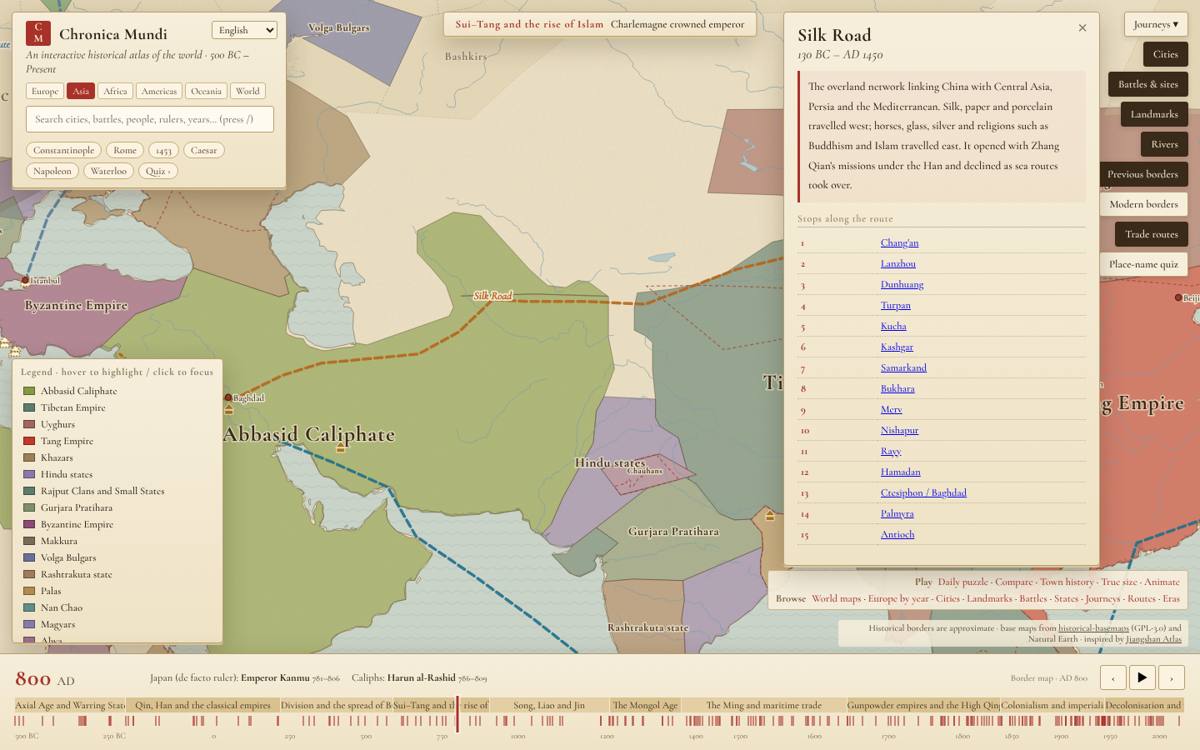
6. Turn on trade routes
The trade routes layer draws the Silk Road, the Incense Route, the Hanseatic routes and others for the years they were active. Click a route for its stops and history.
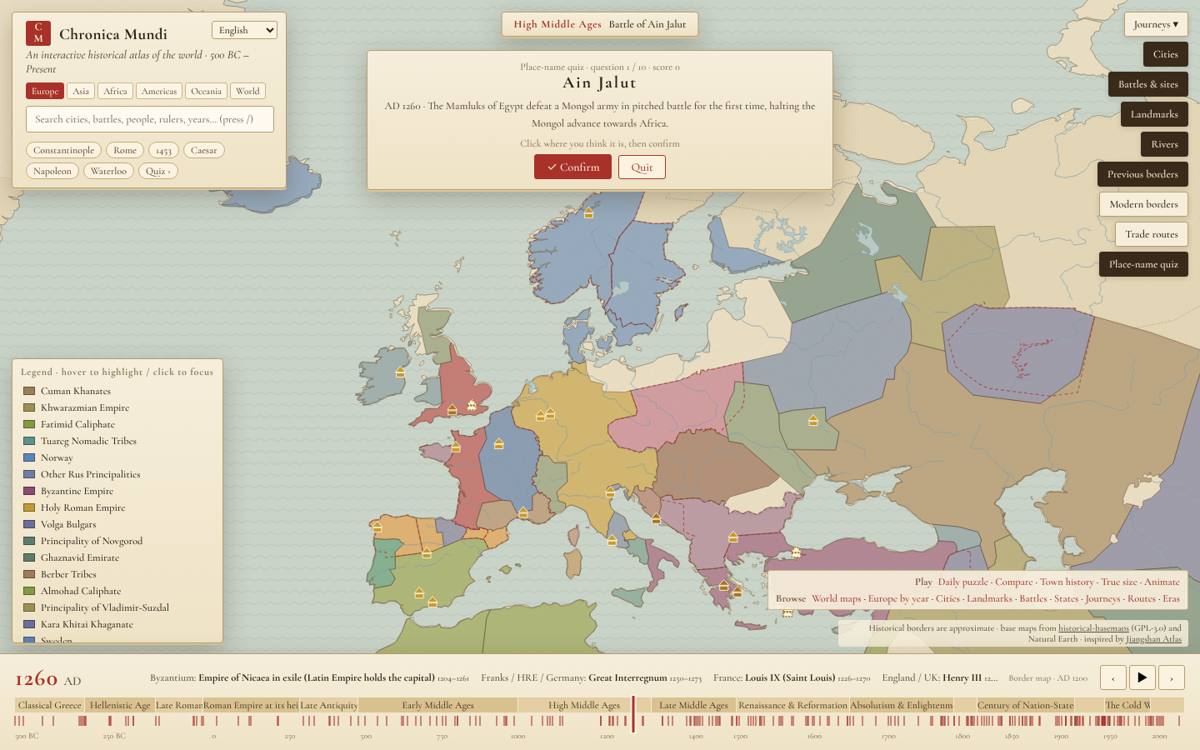
7. Test yourself
The quiz mode asks you to find cities and states on the map of a given year. There is also a daily puzzle where you guess the year of an unlabelled map.
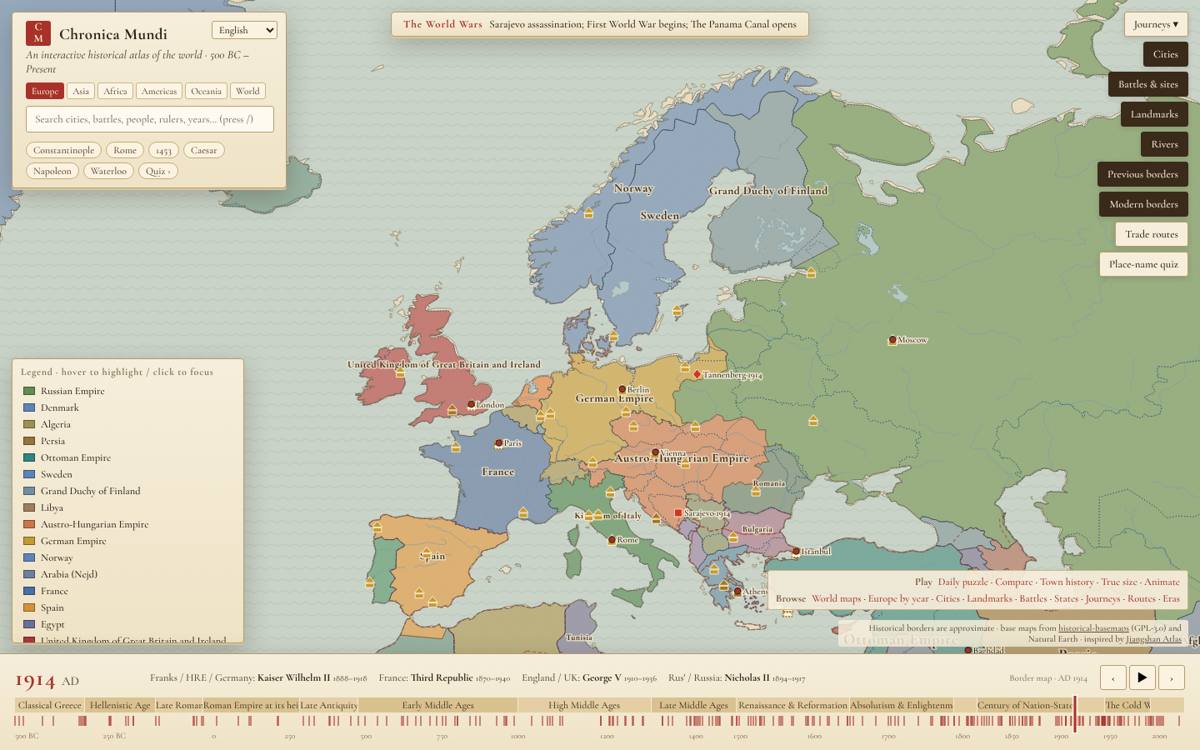
8. Compare with today
Turn on modern borders to draw today’s countries over any historical map, or previous borders to see what changed since the last map. For a side-by-side view, use the compare tool.
Keyboard shortcuts
| Key | Action |
|---|---|
| ← → | Previous or next map (with Shift: ten years) |
| Space | Play or pause |
| / | Search places |
| Esc | Close a card |
Questions
Is Chronica Maps free?
Yes. The map, the tools and all pages are free to use, with no account needed.
Does it work on phones?
Yes. Pinch to zoom, drag to pan and tap a place to open its card. The timeline sits at the bottom of the screen.
Can I link to a specific year or place?
Yes. The address bar updates as you move, so you can copy it to share the exact year, region and card you are looking at.
Can I use the map in class or on my website?
Yes. Most pages have an Embed this interactive map box with code you can paste into a blog or course page.